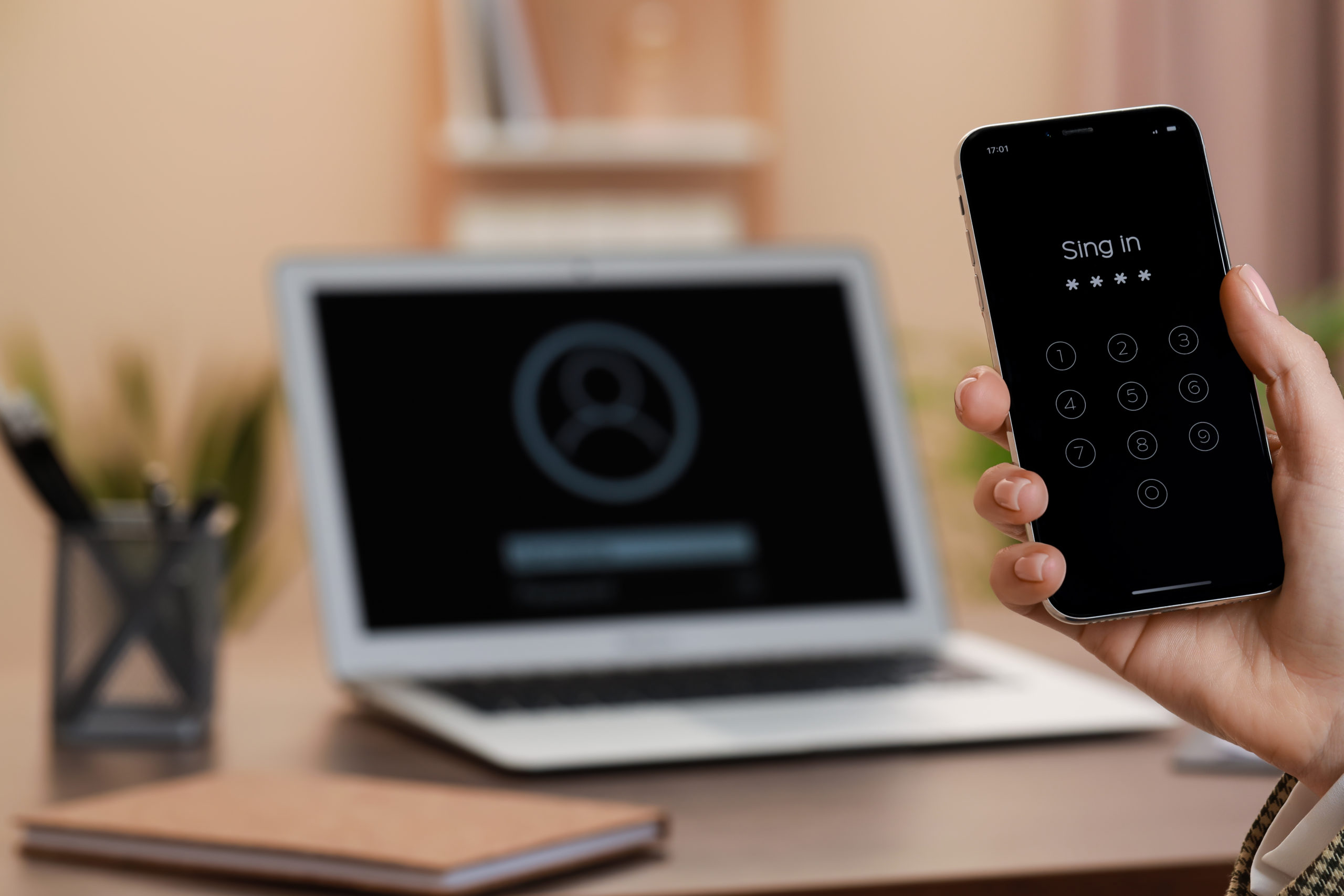
The six-digit code your staff receive when they log into Microsoft 365 is being retired. Two dates govern the change, and the second one will lock people out of their accounts if nobody has prepared for it.
Microsoft has published its timeline for removing SMS and voice call multifactor authentication from Microsoft 365. Microsoft Entra ID, the service that handles sign-in, is moving to passkeys as the default method, and Microsoft will no longer deliver authentication codes by text message or phone call itself.
For a business with limited IT resources, a change like this, with deadlines stretching into 2027, is easy to file away as something that will sort itself out. In our experience, the accounts that fail when new security requirements are introduced are usually the ones nobody has looked at in years, and they tend to surface at the worst possible moment.
Here is what happens, when, and who inside your organization is most likely to be affected.
The two dates that matter
SEP 1, 2026
Microsoft starts automatically prompting anyone who signs in with a texted code or phone call to set up a passkey. The prompt can be postponed, and text codes keep working. Nothing breaks on this date.
FEB 1, 2027
Microsoft-provided SMS and voice delivery is retired for good. Anyone whose only MFA method is a text or call is blocked at sign-in until they register a passkey. No opt-out, enforced for every tenant.
A tenant-level opt-out is available for the September step, but it expires on February 1, 2027.
The date lands in a difficult week
February 1, 2027 falls on a Monday, at the start of a month, and in the opening weeks of tax season for accounting and financial services firms. An organization that has not prepared will be dealing with locked-out staff at the same time as payroll, year-end close, and client reporting.
What is a passkey?
A passkey replaces both the password and the texted code with a cryptographic key held on the user’s device. Signing in means unlocking that device with a fingerprint, a face scan, or a PIN, and the device proves who the user is to Microsoft. No code travels across a phone network, so there is nothing for an attacker to intercept or persuade someone to hand over.
Once it is registered, signing in takes fewer steps than retrieving a code from a phone. The credential can live in a phone, a laptop, the Microsoft Authenticator app, or a small hardware key that plugs into a USB port, and that choice matters for how you handle shared computers and staff without company devices.
Why one method beats several
Passkeys can live in several places: a phone’s built-in authenticator, the Microsoft Authenticator app, a password manager like 1Password, or a physical hardware key. Nothing stops different employees from registering different types, and Microsoft won’t force a single choice on you.
Letting that happen by default is the mistake worth avoiding. When one employee’s passkey lives on their phone, another’s in 1Password, and a third carries a hardware key, your help desk needs a different troubleshooting path for each one. A locked-out employee means a longer call, because the person answering has to first figure out which method that employee is even using.
Standardizing on one method, generally the Microsoft Authenticator app since it is already built into the Microsoft 365 environment, means one setup guide, one troubleshooting script, and one thing for your help desk to actually know well. Hardware keys and password-manager passkeys still have a place for the accounts that genuinely need them, shared computers and break-glass accounts among them, but the default for most employees should be the same across the organization.
Why Microsoft is doing this
Codes sent by text can be intercepted. An attacker who persuades a mobile carrier to move a phone number onto a new SIM card receives every code sent to that number. A more common technique places a fake login page between the employee and Microsoft, captures the code as the employee types it, and uses it within the short window before it expires. Kits that do this are sold as a subscription service and require no technical skill to operate.
The National Institute of Standards and Technology reached this position first. NIST published SP 800-63B-4 in July 2025, classifying phone network authentication, which covers both SMS and voice, as a restricted method, the only method placed in that category at the time. The guidance is written for federal agencies and used across private industry as a benchmark. It requires a provider that offers a restricted method to:
- Make an unrestricted alternative available
- Give users meaningful notice of the risk
- Account for that risk in its own assessment
- Hold a documented plan to migrate away from it
Microsoft is now doing all four. There is a commercial dimension too: sending billions of authentication messages over carrier networks costs Microsoft money, and under the new model any organization that still needs a phone-based channel contracts with a carrier directly and pays for it. The security case stands on its own, and the change also moves a cost off Microsoft’s books.
Where this hurts a business with limited IT resources
The configuration work is straightforward for anyone who administers Microsoft 365 daily. The difficulty is that the accounts most likely to be missed are the ones nobody thinks about until they fail:
- Emergency administrator accounts: most Microsoft 365 tenants hold a break-glass account kept for the day everything else stops working. These are frequently tied to a phone number rather than a person, and rarely reviewed. An unprepared break-glass account fails at the moment you need it.
- Shared computers: front desk machines, warehouse terminals, treatment room computers, and production floor stations all raise the same problem. Where several people use one login, or where nobody has an assigned phone, passkey registration needs to be designed rather than left to the individual.
- Staff without a company phone or laptop: asking an employee to hold a company credential on a personal device raises a fair question about ownership. That policy needs a decision before the prompts start appearing.
- Contractors and outsourced staff: third-party bookkeepers, offshore teams, and staffing agencies often hold licensed accounts inside your tenant. They are in scope for this change and the hardest group to coordinate, since they answer to someone else.
- Self-service password reset: Microsoft has confirmed the retirement applies across Entra, including self-service password reset. Any organization that lets staff verify a reset by text loses that route on the same date, right when people need it most.
- Departed employees and service accounts: most environments we assess contain more phone-linked accounts than their leadership expects, and a good share were never fully closed down.
Each of these is straightforward to fix once identified. The difficulty is identifying them, and that takes somebody whose job it is to go and look.
If you’re told you need to keep text codes for compliance
Some organizations will be advised to arrange a replacement text messaging provider. Those two dates, September 18 and October 30, 2026, only matter if that’s genuinely you: Microsoft publishes pricing details for third-party providers on September 18, and opens the marketplace for admins to select and configure one on October 30. Before spending money there, it’s worth confirming which requirement is actually driving the advice.
In our experience, the specific requirement usually doesn’t exist. The FTC Safeguards Rule, at 16 CFR 314.4(c)(5), requires multifactor authentication for anyone accessing an information system, unless the firm’s Qualified Individual has approved an equivalent control in writing. It says nothing about how the second factor is delivered. The HIPAA Security Rule currently in force doesn’t name multifactor authentication at all. Cyber insurance applications ask whether MFA is enforced on email, remote access, and administrative accounts, not whether the second step arrives by text.
Cases that genuinely need a phone channel do exist: some financial services firms operate under counterparty requirements that assume one, and some businesses employ field staff who carry no smart device. The right approach is to document the requirement, name the regulation or operational constraint behind it, and scope a phone-based provider to that group alone. For everyone else, Microsoft has said moving to passkeys carries no additional licensing cost.
This change strengthens your compliance position
For firms subject to the FTC Safeguards Rule, HIPAA, or cyber insurance conditions, moving to passkeys improves the answer you give an auditor or an underwriter. Phishing-resistant authentication is the direction the major frameworks are heading, and a migration completed in 2026 is a control you can evidence.
What a prepared organization does between now and then
A business of thirty people that starts this fall has ample time to get through it without disruption. The work divides into four parts:
- Establish how many accounts are affected, including service accounts and entries in older settings the current admin view doesn’t display.
- Separate the staff who can move immediately from those who need hardware keys and the small group with a documented need for a phone channel.
- Register a pilot group across every device type in the environment and confirm the sign-in path works on each.
- Run the registration campaign on your own schedule, with your own communications, ahead of the automatic rollout in September.
Taken in that order, the exercise costs a few hours of administrative time and a short stretch of user support. Thirty people registering a new sign-in method across four device types will generate questions for a week or two, and somebody has to answer them while the rest of the work continues. The same exercise attempted in January 2027 becomes an emergency, with the same questions arriving from people who can’t log in.
The wider point
Phone-based codes have been the accepted answer to multifactor authentication for the better part of a decade. Auditors and insurers both accepted them, and they were simple to deploy. That period is ending across the industry, and Microsoft is setting a date on something Google, Apple, and the major identity providers are all moving toward.
For most small and mid-sized businesses, the outcome is an improvement. Passkeys are quicker to use than typing a code from a phone, they cut down password reset calls, and they remove a category of attack that’s been used successfully against firms in exactly the size range we serve. What it requires is somebody keeping track of the dates and working through the account list before the deadline arrives.
See where your team stands on this.
We’ll walk your tenant, flag the accounts most likely to get missed, and map out a rollout on your schedule, not Microsoft’s.
Get 20 Minutes on the Calendar